
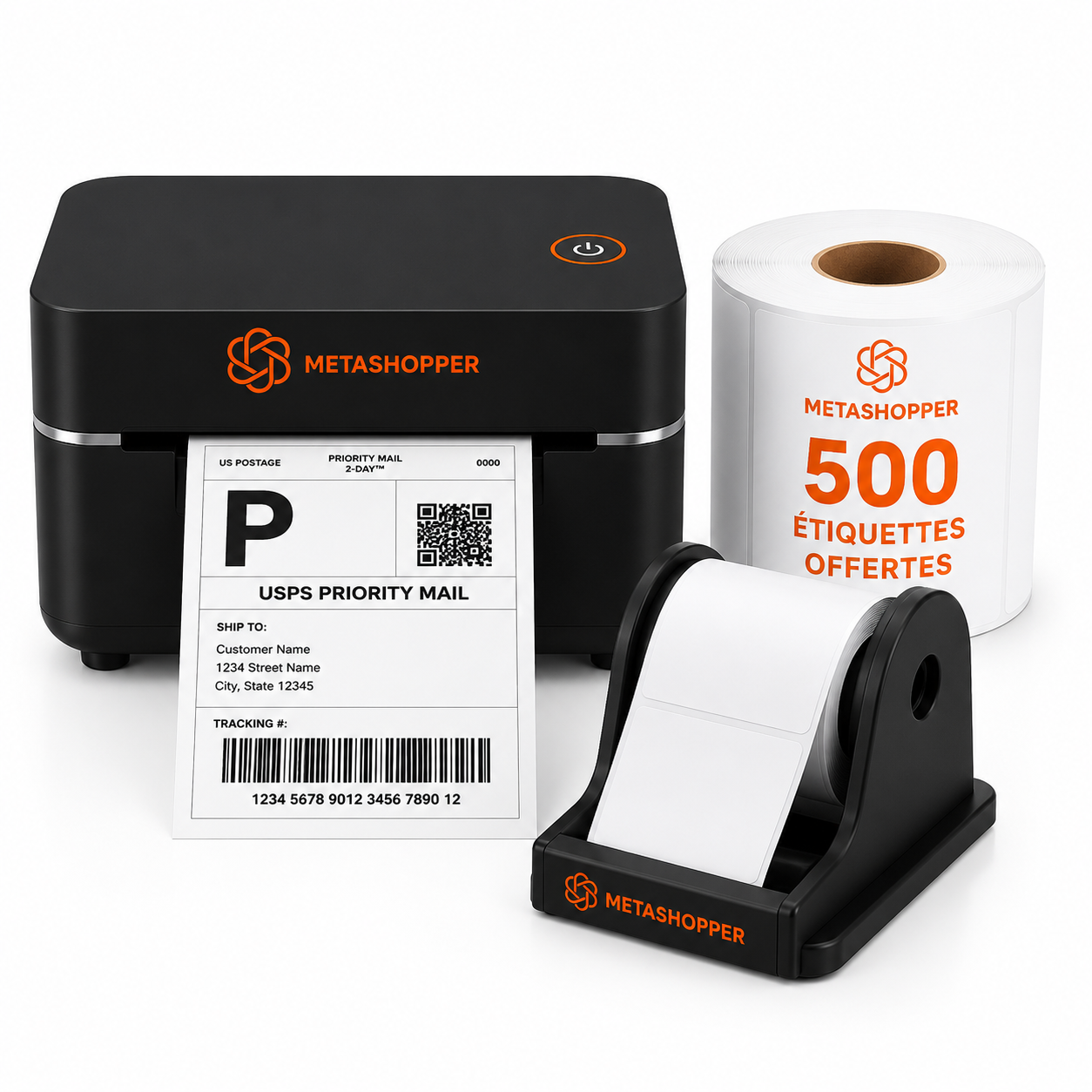
In brief: an efficient shipping workstation follows the actual journey of an order: product, inspection, packaging, weighing, label, then dispatch. Place each tool in this order to reduce unnecessary movements and errors.
The five areas of a shipping workstation
- Preparation area: product, order form, and inspection.
- Packing area: boxes, pouches, and protective materials.
- Weighing area: scale and parcel dimensions.
- Labeling area: thermal printer, labels, and holder.
- Dispatch area: completed parcels sorted by carrier.
What equipment is needed?
| Equipment | Role | Recommended location |
|---|---|---|
| Thermal printer | Print the waybill without ink | Next to the computer or smartphone |
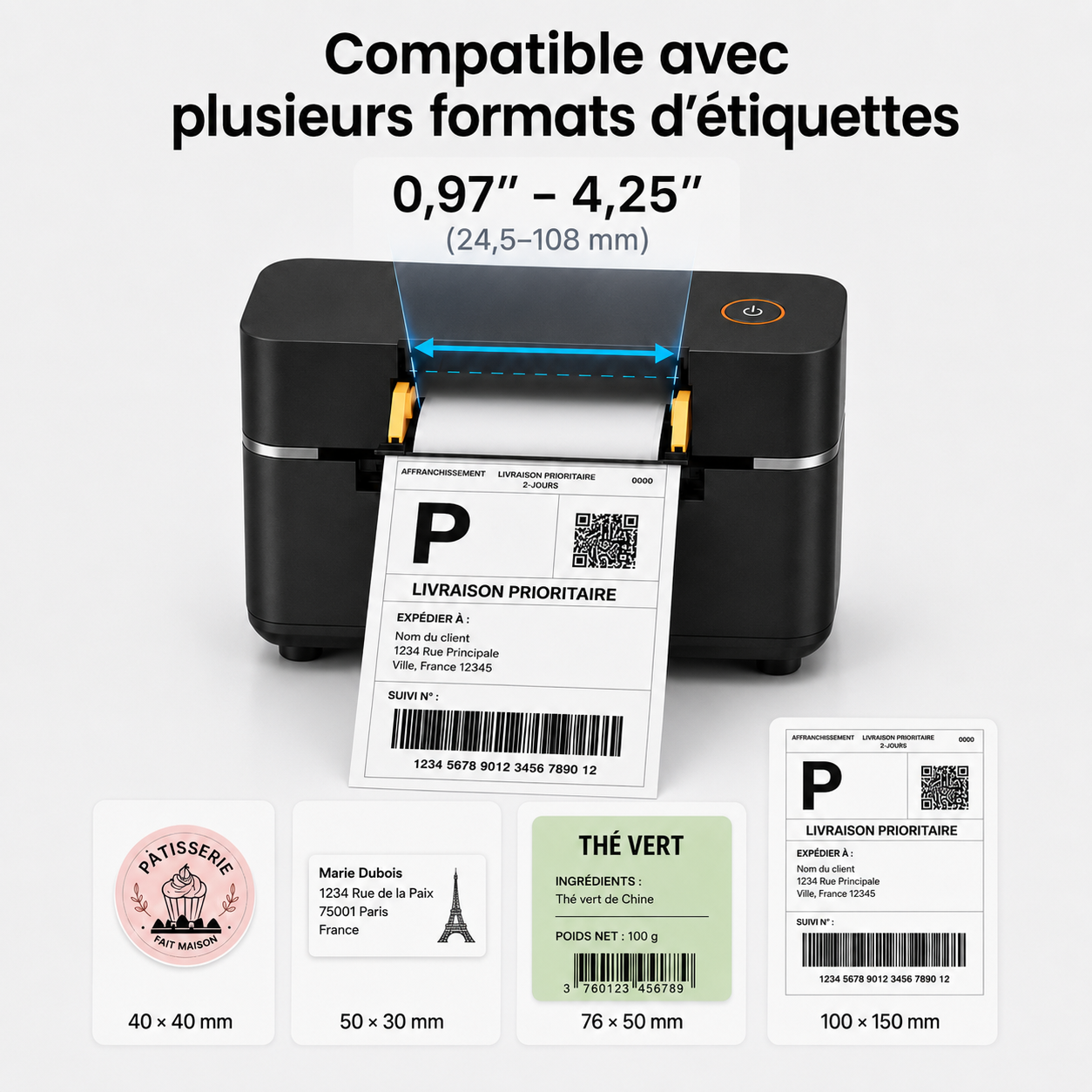
| 100 × 150 mm labels | Waybill holder | Behind the printer, in a dry place |
| Label holder | Guide and hold the holder | Aligned with the paper input |
| Parcel scale | Choose the right weight range | On a clear, flat surface |
| Pouches or boxes | Protect the product | Sorted by size and within easy reach |
Step 1: adapt the workstation to your volume
For a few parcels per week, a well-organized desk is sufficient. As volume increases, separate preparation from labeling and create an area reserved for completed parcels. The goal is not to accumulate equipment, but to eliminate crossings and searching.
Step 2: organize packaging by dimensions
Sort pouches and boxes from smallest to largest. Metashopper shipping supplies include pouches in several sizes. Keep the most frequently used sizes within easy reach and place запасes above or below.
Step 3: weigh the parcel once it is closed
The weight used for postage is that of the final parcel, including packaging and protective materials. Use a digital parcel scale placed on a stable surface. Tare the scale only when the procedure requires it.
Step 4: centralize label printing
Place the Bluetooth thermal printer near the device from which you download the PDFs. The power cable must not cross the packing area. Position the label holder in line with the paper input.
Step 5: standardize your pre-shipping check
- Are the correct product and quantity in the parcel?
- Is the packaging suitable for the weight and fragility?
- Has the old label or barcode been removed?
- Is the barcode flat, visible, and unfolded?
- Does the carrier match the waybill?
How can you save time without compromising quality?
- Prepare several similar orders in batches.
- Save the 100 × 150 mm format in the driver.
- Keep a spare roll or stack of labels on hand.
- Use a separate bin for orders that need checking.
- Do not mix completed parcels from different carriers.
Starter, Business, or Business Pro: Which pack should you choose?
The Starter Pack includes the printer and 200 labels. The Business Pack adds 500 labels and a stand. The Business Pro Pack is suitable for regular needs with 1,000 labels.
Daily checklist
- ✔️ Printer powered and connected
- ✔️ Labels available and correctly loaded
- ✔️ Scale reset to zero
- ✔️ Packaging available by size
- ✔️ Orders sorted by status
- ✔️ Completed parcels separated by carrier
FAQ
How much space should you allow?
A compact desk may be sufficient for low volume. Above all, provide a flat surface for the scale and enough clearance behind the printer to feed the labels correctly.
Where should you place the label on the parcel?
On a clean, dry, flat surface. Avoid corners, folds, closures, and areas where the barcode could be cut off.
Should you print all labels in advance?
For multiple orders, batch printing can save time, provided you maintain a reliable system for matching each waybill to the correct parcel.
Conclusion
The best shipping station is one that makes the order of operations obvious. Arrange tools according to the actual workflow, standardize checks, and keep consumables within reach. You will save time while reducing parcel mix-ups.


Leave a comment
This site is protected by hCaptcha and the hCaptcha Privacy Policy and Terms of Service apply.