

Where can you find your Vinted shipping label?
Before printing your Vinted label, you must first locate it in the app or on the website. Once your item has been sold and the payment confirmed, Vinted automatically generates a shipping label. Go to My sales , select the relevant transaction, then click View the label . You can then download it in PDF format or send it by email.
Printing from a smartphone
If you do not have a computer at hand, you can easily print your Vinted label directly from your smartphone:
- Open the Vinted app and go to your sale.
- Download the label in PDF format.
- Connect to a compatible printer (iOS) / Android printing).
- You can also go to a parcel pickup point or a business such as La Poste, Mondial Relay, or a tobacconist's.
Printing from a computer
Printing from a computer remains the simplest and most reliable method:
- Log in to vinted.fr from your browser.
- Go to My sales then go to the relevant transaction.
- Download the PDF label and open it with a PDF reader (Adobe Acrobat, Preview, etc.).
- Start printing, making sure to select A6 format if you are using a thermal printer, or A4 for a standard printer.
- Stick the label on your parcel so that it is clearly visible.
Common issues
Here are the most common issues encountered when printing a Vinted label and how to resolve them:
- The label is not displayed: Check that your sale has been confirmed and that the payment has been validated by Vinted.
- The PDF is unreadable or blurry: Download the file again and make sure to print at the highest quality.
- The barcode cannot be scanned: Avoid covering the barcode with a fold and make sure the label is completely flat on the parcel.
- No printer available: Go to a partner parcel drop-off point or a business offering a printing service (La Poste, Carrefour, etc.).
Why use a thermal printer?
If you regularly sell on Vinted, investing in a thermal printer can change your daily life:
- No ink to buy again: Thermal printers use heat to print, without cartridges.
- Fast printing: A label prints in just a few seconds.
- Perfect size: A6-size thermal labels are ideal for Vinted, Mondial Relay, Colissimo shipping labels, etc.
- Cost-effective in the long term: The cost per label is very low compared with an inkjet printer.
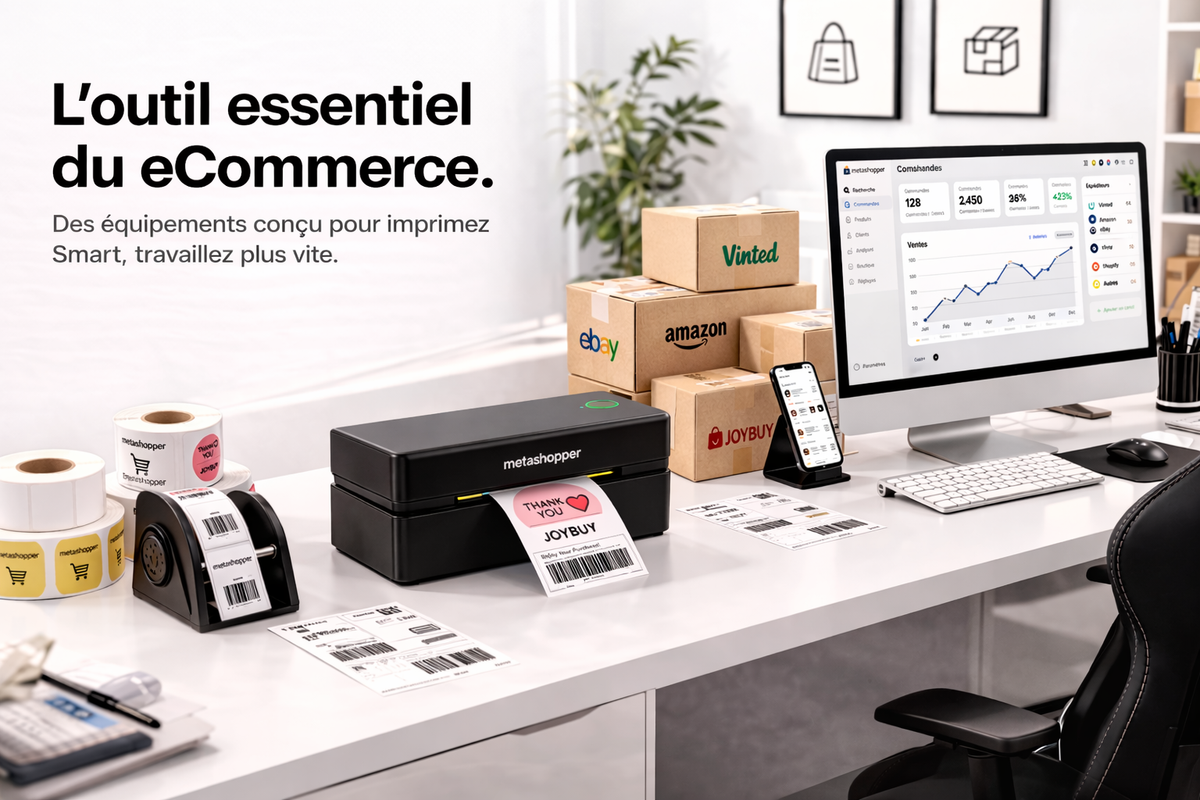
At Metashopper At Metashopper, we offer a selection of compatible thermal printers and labels to help you speed up your Vinted sales quickly and hassle-free. Discover our range here.
🖨️ Sell more on Vinted with the right printer
Do you sell regularly on Vinted? Stop wasting time looking for a printer. The Metashopper thermal printer prints your Vinted labels in 3 seconds, without ink, from your smartphone.
✅ Compatible with Vinted, Mondial Relay, Colissimo
✅ Bluetooth & USB — works on iOS and Android
✅ 24-hour delivery
🚀 Ship faster, earn more on Vinted
To maximize your earnings on Vinted, every minute counts. The Metashopper thermal printer lets you print your labels in 3 seconds from your smartphone — no queues, no trips to a parcel drop-off point, no ink.
✅ Instant printing from your phone
✅ Compatible with Vinted, Mondial Relay, Colissimo
✅ 24-hour delivery — Pays for itself from the first order


Leave a comment
This site is protected by hCaptcha and the hCaptcha Privacy Policy and Terms of Service apply.